Accessibility Statement
We want everyone visiting our demo site to have a comfortable, easy, and welcoming experience. Here's how FixWell Handyman Services approaches accessibility for our fictional site.
Our Commitment
FixWell Handyman Services is committed to making this demo website as accessible and user-friendly as possible. We believe everyone deserves easy access to information—regardless of device, ability, or familiarity with technology. Our goal is to offer a simple, trustworthy experience that's readable and usable for most visitors.
Readable, Friendly Text
We use clean, easy-to-read fonts (DM Serif Display and Nunito Sans) in generous sizes with plenty of spacing. Text and headings are structured with clear hierarchy so visitors using screen readers or assistive tools can navigate with ease.
Clear, Simple Navigation
Our main navigation is consistent and clearly labeled. Page layouts use recognizable sections so you always know where you are and how to get to another part of the site.
Keyboard & Screen Reader Goals
- All features and navigation can be accessed by keyboard (Tab, Shift+Tab, Enter, Arrow keys).
- Buttons, forms, and menus can be activated without using a mouse.
- Sensible, descriptive headings and link text for screen reader users.
- Skip-to-main-content options and logical tab order are planned for user convenience.
Alt Text & Image Descriptions
- Most visual content uses clear, descriptive alt text for screen readers.
- Decorative icons or images that do not provide context are marked or skipped appropriately.
- Photos and illustrations on demo pages include short alt text that does not describe visual style or color in detail, unless relevant to the content.
Color Contrast & Visual Clarity
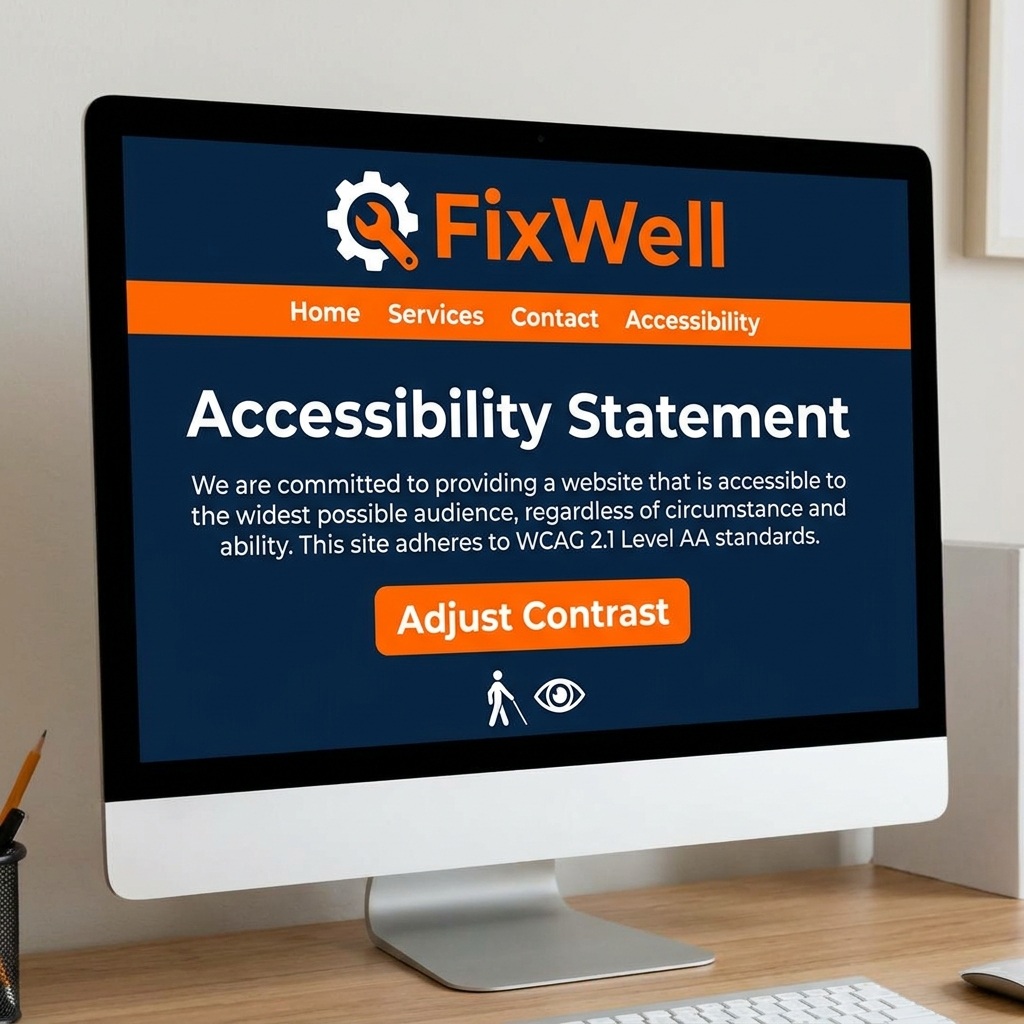
This site uses a high-contrast palette with deep navy (#1E3A5F), toolbelt orange (#D97706), crisp white, and warm tan (#E8D8BE) for accents and backgrounds. These choices help make content easy to read and instructions easy to spot for users with different vision strengths and in different lighting.
Usable Forms & Buttons
Forms have clear labels, simple layouts, and large tap/click areas. Every button and input field is easy to reach, with helpful focus outlines and feedback. Orange highlights help visitors spot submission and call-to-action buttons quickly.
Mobile & Responsive Layouts
All pages are designed to be mobile-friendly, scaling gracefully from phones to large screens. Tap targets are sized with fingers in mind, so navigation and forms work comfortably on any device.
Ongoing Accessibility Efforts & Limitations
- We review layouts and wording regularly to find areas for improvement.
- Some demo features or third-party elements may be less accessible due to external controls.
- The site is not guaranteed to meet every accessibility standard or law.
- If you experience barriers or challenges, please let us know (see Feedback below).
Third-Party Content & Demo Features
Some sample links, live demo forms, or third-party widgets shown here may not meet all accessibility guidelines. We do our best to select accessible tools, but cannot always control external code or plug-ins.
Give Feedback or Report an Issue
If you spot a problem, have a suggestion, or want to test the demo contact form, we encourage you to reach out. Your input helps us improve and learn.
Contact / Demo Request Form