Accessibility Statement
At CoreForm Fitness Coaching Demo, we want everyone to feel welcome and able to use this site. This page outlines our approach and ongoing commitment to accessible design for as many visitors as possible.
Our Commitment to Accessibility
We believe access to fitness and information matters for everyone. This demo site was built to be usable, clear, and welcoming, with ongoing effort to improve accessibility for all users, regardless of device, ability, or technology.
Readable Text & Simple Navigation
The website uses clear, high-contrast fonts: Montserrat for headings and Inter for all body text. Content is structured with headings, clear links, and consistent section layout so you can navigate easily from any device or with assistive technology.
Menus, buttons, and important actions are designed to be easy to find, read, and use, whether you’re on desktop, tablet, or phone.
Keyboard & Screen Reader Access
Keyboard Friendly
All site menus and essentials are designed to be usable by keyboard alone—tab and arrow keys allow for navigation and actions.
Visible Focus
Focus indicators and outlines help you see where you are on the page as you tab through links, forms, and buttons.
Screen Reader Goals
Landmarks, alt text, and clear content order are in place to help screen readers interpret and announce this demo content.
Alt Text & Image Descriptions

We aim to add descriptive alt text to all meaningful images and icons so that screen readers and assistive technologies can provide helpful information to every user. If you find any image or icon on this demo missing sufficient description, please let us know (see contact below).
Color Contrast
This demo uses strong contrast: charcoal text on white or off-white, electric blue and leaf green accents, and backgrounds carefully chosen for readability in light mode.
Form Usability
Forms in the demo feature visible labels, clear instructions, and large clickable areas. Input fields show focus outlines and are designed for both mouse and keyboard users.
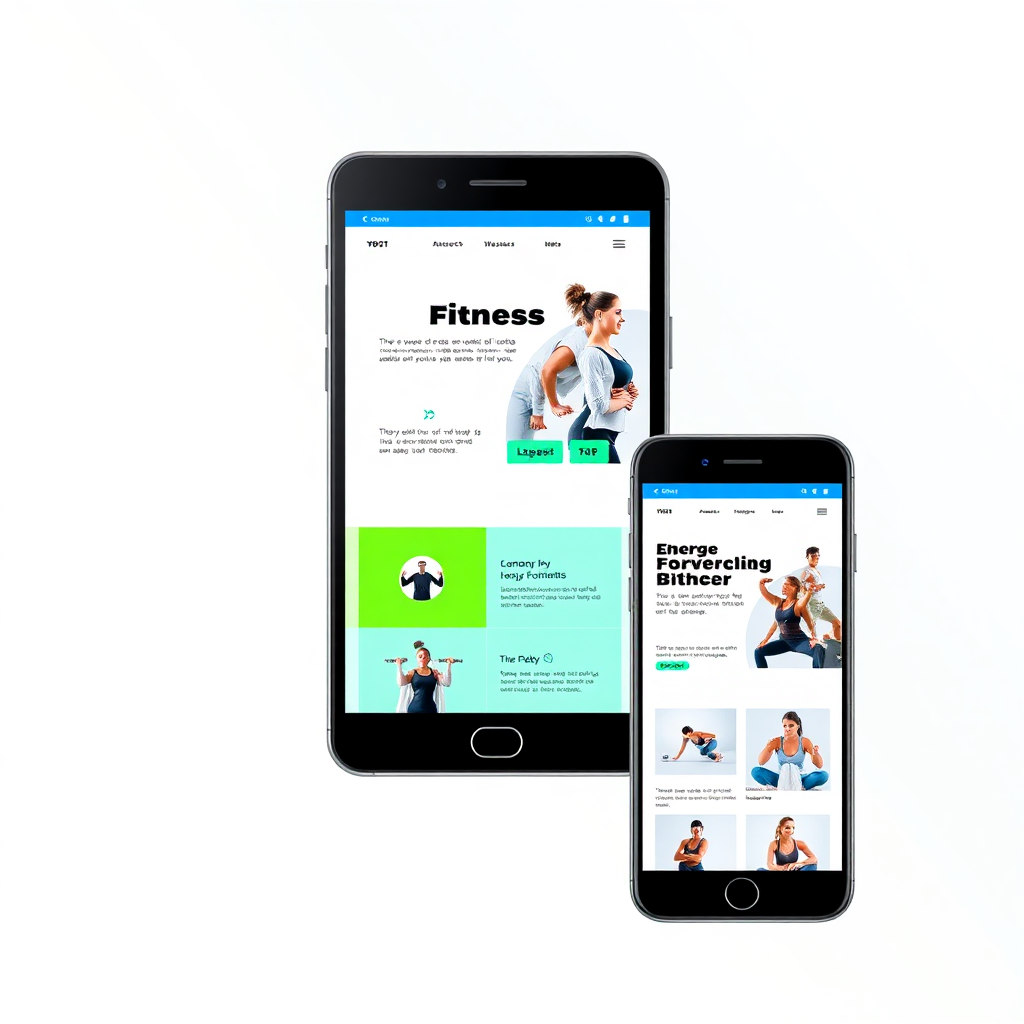
Mobile-Friendly Experience
The CoreForm demo is designed to display and work smoothly on phones, tablets, laptops, and desktops. Content reflows responsively so you can browse, read, and interact with ease, whatever device you prefer.
Ongoing Improvements & Known Limitations
- We review demo content regularly, working to address any missed markup or usability gaps for keyboard, mouse, and assistive tech users.
- Third-party widgets, links, and resources (like sample booking forms or demo video embeds) may not be fully accessible.
- Some images/descriptions may be placeholder or illustrative only.
- Despite our best effort as a sample project, this demo may not address every possible accessibility need or meet formal standards. Please let us know if you encounter a barrier.
Contact & Feedback
We welcome questions and feedback to improve accessibility for everyone. If you spot an issue or have suggestions about this demo, please reach out.
Send Accessibility Feedback